Meta VR Glasses Explained: Ray-Ban Display vs. Quest 3
The short answer: Ray-Ban Display is for hands-free information, calls, AI, and capture; Quest 3 is for virtual and mixed reality. They are not interchangeable.
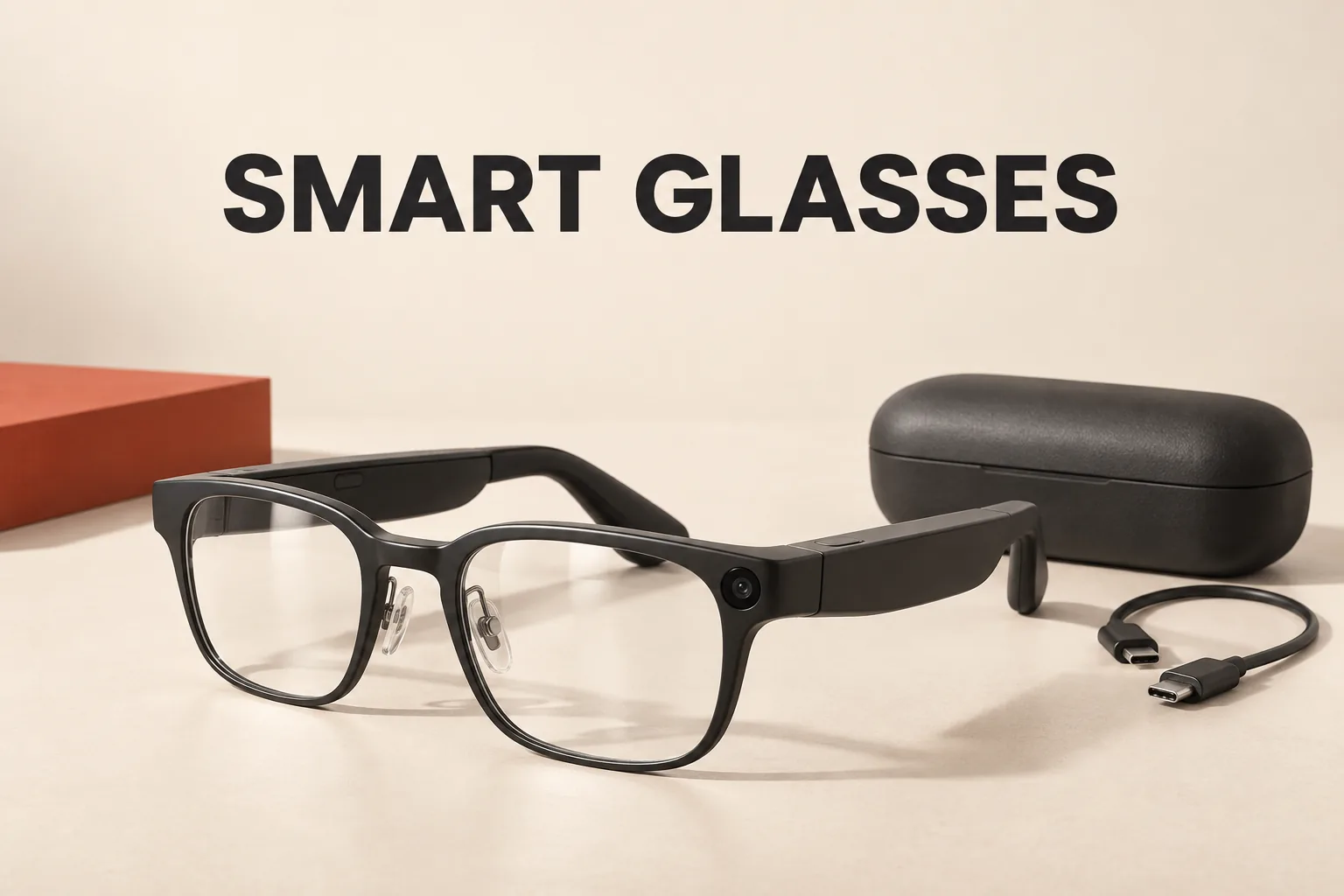
As of 6:27 p.m. EDT on September 24, 2026, the useful answer to a search for “Meta VR glasses” is that two different product categories are being mixed together.
Meta Ray-Ban Display is the glasses-like wearable for hands-free information, audio, cameras, calls, and AI. Meta Quest 3 is the headset for virtual reality and mixed reality. They are not two versions of the same device.
“Meta VR glasses” describes two different jobs
The Ray-Ban U.S. product listing describes Meta Ray-Ban Display as having a full-color 600 × 600 display integrated into the right lens, with a 20-degree monocular field of view. It also combines open-ear speakers, a camera, microphones, and the Meta Neural Band.
That combination is best understood as a small, glanceable information layer. It can put messages, notifications, maps, visual answers, and translations in front of the wearer, but it is not the same visual system as a headset that places a large scene in front of both eyes. The word “display” does not automatically mean “VR.”
Meta’s Quest 3 product page describes a different hardware profile: 2,064 × 2,208 pixels per eye, pancake lenses, a 110-degree horizontal by 96-degree vertical field of view, full-color passthrough, and head and hand tracking. Those features support virtual environments as well as mixed-reality experiences that combine digital content with a view of the physical room.
The practical distinction is simple: Ray-Ban Display is designed around seeing useful information while remaining in the outside world; Quest 3 is designed around entering a tracked virtual or mixed-reality space.
What the latest U.S. update changes—and what it does not
On September 23, Meta announced additional features for Ray-Ban Display in its latest product update. The announcement describes cycling and public-transit navigation, including departures shown in the glasses, as becoming available later in September in the U.S. and Canada. It also describes walking directions that can refer to visible landmarks rather than only street names.
The same update covers mirrored phone notifications, calendar controls, Threads feeds, an Explore app, and Dolby Atmos video capture. For WhatsApp calls, Meta says U.S. users will get Early Access to hologram-style video calls later in fall 2026, after creating a short capture in the Meta AI app.
Those timing details matter. A feature announced for later in September or later in fall should not be treated as guaranteed to be active on every U.S. account at this exact cutoff. The update makes Ray-Ban Display more useful as a hands-free information and control surface, but it does not turn the glasses into a Quest-style immersive headset.
Choose by the action you want to perform
Choose Ray-Ban Display for glanceable, everyday information
Display fits a use case that starts with verbs such as glance, hear, ask, capture, navigate, or reply. The U.S. product listing identifies the in-lens display, open-ear audio, camera, and Neural Band controls. Meta’s update adds navigation, notifications, calendar actions, and other features that are meaningful precisely because the wearer does not have to hold a phone in front of their face.
The Neural Band is part of that interaction model. Ray-Ban describes it as an EMG-based wristband that interprets subtle hand movements and provides haptic feedback for actions such as navigating, selecting, responding to messages, and activating Meta AI. That is a lightweight control method for a wearable intended to stay usable while the wearer remains mobile.
This is the right direction when the question is, “Can I access useful information without taking out my phone?” It is the wrong expectation if the question is, “Can I play a full VR experience in front of both eyes?”
Choose Quest 3 for virtual and mixed reality
Quest 3 fits a use case that starts with enter, play, explore, track, or interact in a virtual space. Its per-eye display resolution, wider field of view, passthrough cameras, and tracking hardware are built around spatial experiences rather than a single corner of a lens.
That also explains why Quest 3 is not a substitute for ordinary smart glasses. The device’s strengths come from headset-scale optics and tracking. Ray-Ban Display’s strengths come from its glasses form factor and quick access to information. Choosing between them is therefore less about which product has more features and more about which visual environment the task requires.
If the goal is both, set a primary use case
The official product descriptions support treating these devices as complementary categories, not interchangeable versions of one product. Someone who mainly wants calls, navigation prompts, AI answers, or hands-free capture should evaluate Display first. Someone who mainly wants VR or mixed reality should evaluate Quest 3 first.
Buying Display in the hope that a small right-lens display will replace a VR headset creates the wrong expectation. Buying Quest 3 for an everyday glasses experience creates the opposite mismatch.
The hidden filter is the phone and account setup
Ray-Ban Display is not just a pair of frames with an optional screen. The official FAQ requires the Meta AI mobile app and a Meta account. It lists compatibility with Android 10 or later with location services enabled, or iOS 14.4 or later.
The FAQ also says that Wi-Fi or another wireless internet connection is required for Meta AI features, importing captures, and software updates, although some capture and voice functions can work without Wi-Fi. The glasses and Neural Band can each be paired with only one Meta account at a time; switching to another account requires a factory reset.
These are not minor setup notes. They change the buying question from “Do I want smart glasses?” to “Does this wearable fit my phone, account, and connectivity habits?” A person who does not want a mobile-app and account dependency should resolve that issue before comparing frame style or display features.
Price is a clue, not a direct value ranking
At this cutoff, the Ray-Ban U.S. listing shows Meta Ray-Ban Display from $799, while Meta’s U.S. Quest 3 page lists the 512GB model at $599.99. Both prices are in USD and can change, but the comparison should not be read as a simple quality ranking.
The products spend their hardware budget on different goals. Display pays for a glasses form factor, camera and audio functions, a small in-lens display, and Neural Band control. Quest 3 pays for headset-scale optics and spatial tracking. A lower price on Quest 3 does not make it the better everyday wearable, and a higher price on Display does not make it the better VR system.
The practical answer
For a search that means smart glasses you can wear through ordinary activities, Meta Ray-Ban Display is the relevant product. For a search that means actual virtual reality or mixed reality, Meta Quest 3 is the relevant product.
The decisive question is not whether the device is called glasses. It is whether the main task requires a quick information layer over the real world or a tracked digital environment that occupies the user’s field of view. Once that distinction is clear, the Meta lineup becomes much easier to evaluate—and the staged timing of the newest Display features becomes much harder to mistake for a guaranteed current capability.