AMD Radeon Explained: What You Actually Need to Check
AMD Radeon is a product family plus a software layer. The useful question is not simply whether Radeon is good, but which exact GPU, driver path, and supported features fit the setup.
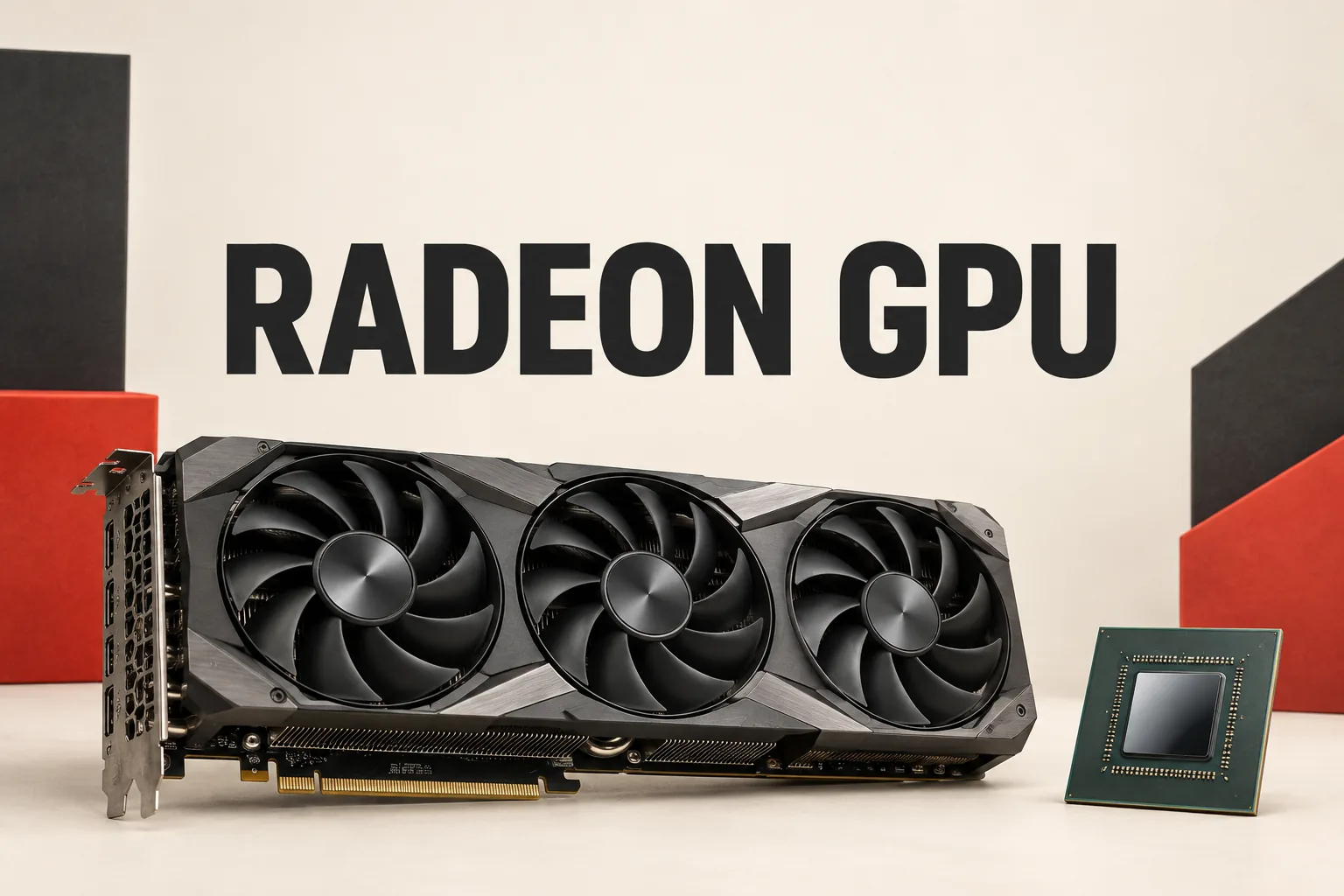
AMD Radeon is easy to search for and surprisingly easy to underspecify. Radeon is a product family, while the useful answer depends on the exact GPU model and the software available for that model.
Why Radeon alone is not a complete specification
AMD’s Radeon RX graphics page presents multiple products, and its separate Graphics Specifications database is where model-level details belong. That makes the brand name a starting point, not a buying conclusion.
A practical interpretation follows: begin with the exact Radeon model, then verify that model’s official specifications. Do not transfer a feature from one Radeon product to another simply because both carry the same family name.
What AMD’s feature list does—and does not—promise
For the RX 9000 Series, AMD lists RDNA 4 architecture, third-generation ray tracing, second-generation AI accelerators, AV1 encoding and decoding, AMD FSR, and HYPR-RX on its product page. Those are useful indicators of the platform’s capabilities, but they are not a guarantee that every feature will appear on every Radeon setup.
AMD’s Software Help Center says feature availability can depend on the GPU, driver version, Windows configuration, and whether AMD Software is installed with the Full Install option. The reader-facing lesson is to treat each headline feature as a two-part check: is it supported by this exact GPU, and is the current software configuration able to provide it?
Why Adrenalin changes the Radeon question
AMD Software: Adrenalin Edition is not only a driver download page. AMD describes it as a place to manage games, create per-game profiles, view statistics, tune performance, and configure capture and streaming tools.
That changes how Radeon should be evaluated. A hardware comparison can tell you what a product is designed to support; Adrenalin determines which management and performance controls are available in the installed environment. Keeping those two layers separate makes the research less prone to assumptions.
A useful order for checking one Radeon setup
- Start with the exact Radeon GPU model rather than the family name.
- Check that model in AMD’s official Graphics Specifications database.
- For driver matching, use AMD’s graphics driver support tool, which detects the Radeon GPU and Windows version before offering a compatible official package.
- After the driver is installed, check Adrenalin’s documented feature availability instead of assuming that every Radeon feature applies to the setup.
This order separates four different questions—product identity, hardware capability, driver matching, and software availability. That separation is the main practical insight: AMD Radeon is not one fixed experience, and a family-level feature headline should not be treated as a promise for every model or configuration.
Sources
Related notes
- How to Choose an AMD Radeon Card: Check Memory, Power, and Software First
- What Should You Check Before Buying an AMD Radeon RX Card?
- AMD Radeon: How to Choose Between RX 9070 XT, RX 9070, and RX 9060 XT
- AMD Radeon RX 9000: How to Read the 16GB and 8GB Choices
- AMD Radeon: Which Driver and Software Path Fits Your PC?