AMD Radeon RX 9000: How to Read the 16GB and 8GB Choices
The RX 9060 XT’s 16GB and 8GB versions share the same listed core configuration, but they differ in memory capacity and board power. That makes the choice more specific than a generic question about which Radeon card is best.
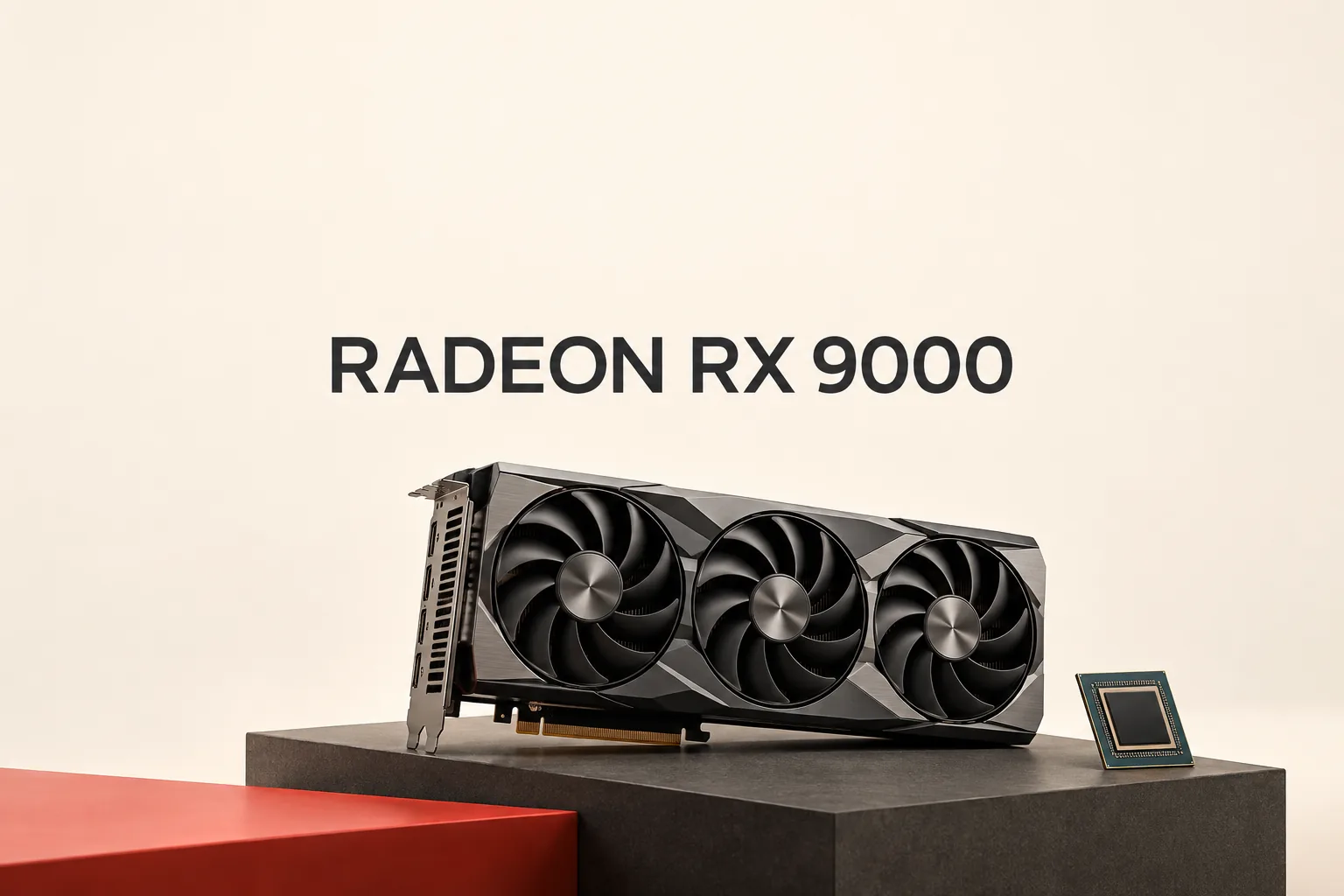
Choosing an AMD Radeon card from a specification sheet is less about memorizing model numbers than identifying which constraint actually changes. AMD’s official graphics specification table shows that the RX 9060 XT 16GB and 8GB versions share much of the same listed hardware. The meaningful differences are memory capacity and board power—not a different compute configuration.
The RX 9060 XT choice is mainly about memory capacity, with one power difference
AMD lists both RX 9060 XT versions with 32 compute units, 2,048 stream processors, a 128-bit memory bus, and boost/game clocks of up to 3,130 / 2,530 MHz. The official table gives them different memory and power specifications:
| Official specification | RX 9060 XT 16GB | RX 9060 XT 8GB |
|---|---|---|
| Memory | 16GB GDDR6 | 8GB GDDR6 |
| Typical board power | 160W | 150W |
| Recommended PSU | 450W | 450W |
| Power connector | 1× 8-pin | 1× 8-pin |
The practical reading is straightforward: the 16GB model provides twice the listed VRAM capacity, while AMD rates it at 10W higher typical board power. The recommended PSU and power connector remain the same in AMD’s table. That makes this a capacity-and-power decision, not evidence of a different core tier.
The RX 9060 XT product page can establish those hardware differences, but it does not turn them into a guaranteed game-by-game frame-rate result. A specification difference should not be presented as an unsupported promise about performance.
The broader lineup shows why one specification cannot stand in for another
AMD’s current RX 9000 desktop entries make the same point across the range:
| Model | Memory | Typical board power | Recommended PSU |
|---|---|---|---|
| RX 9070 XT | 16GB GDDR6 | 304W | 750W |
| RX 9070 | 16GB GDDR6 | 220W | 650W |
| RX 9060 XT 16GB | 16GB GDDR6 | 160W | 450W |
| RX 9060 XT 8GB | 8GB GDDR6 | 150W | 450W |
| RX 9060 | 8GB GDDR6 | 132W | 450W |
| RX 9050 | 8GB GDDR6 | 92W | 450W |
Two useful conclusions follow from that table. First, 16GB does not describe a single power class: the RX 9070 and RX 9070 XT both list 16GB, but their typical board power and recommended PSU differ substantially. Second, a 450W recommended PSU appears across several models with different board-power figures. PSU guidance is therefore a system-compatibility check for the exact card, not a shortcut for judging performance.
What AMD’s official specifications can actually answer
For the listed RX 9000 desktop cards, AMD shows PCIe 5.0 x16 connectivity, DisplayPort 2.1a, HDMI 2.1b, and AV1 encode/decode support in its specification information. Those fields are useful when checking whether a card matches a system, monitor setup, or media workflow.
They do not, by themselves, answer which card will deliver a particular frame rate in a particular game. The official pages support conclusions about listed memory, power, connectors, and interfaces; they do not support calling one model the fastest, simplest, or best without separate evidence.
A defensible way to compare Radeon cards
Start with the memory capacity your intended software can use. Then check the exact model’s typical board power and recommended PSU rather than inferring requirements from the Radeon name alone. Confirm the power connector and display outputs afterward.
The final question should be kept separate: are you checking whether the card fits the system, or are you asking about measured gaming performance? AMD’s official specification table is strong evidence for the first question. It is not, on its own, a benchmark for the second.
Sources
Related notes
- How to Choose an AMD Radeon Card: Check Memory, Power, and Software First
- AMD Radeon: How to Choose Between RX 9070 XT, RX 9070, and RX 9060 XT
- What Should You Check Before Buying an AMD Radeon RX Card?
- AMD Radeon Explained: What You Actually Need to Check
- AMD Radeon: Which Driver and Software Path Fits Your PC?