How to Choose an AMD Radeon Card: Check Memory, Power, and Software First
AMD Radeon is a product family, not a single buying recommendation. Start with memory capacity, board power, PSU requirements, and software support before comparing performance.
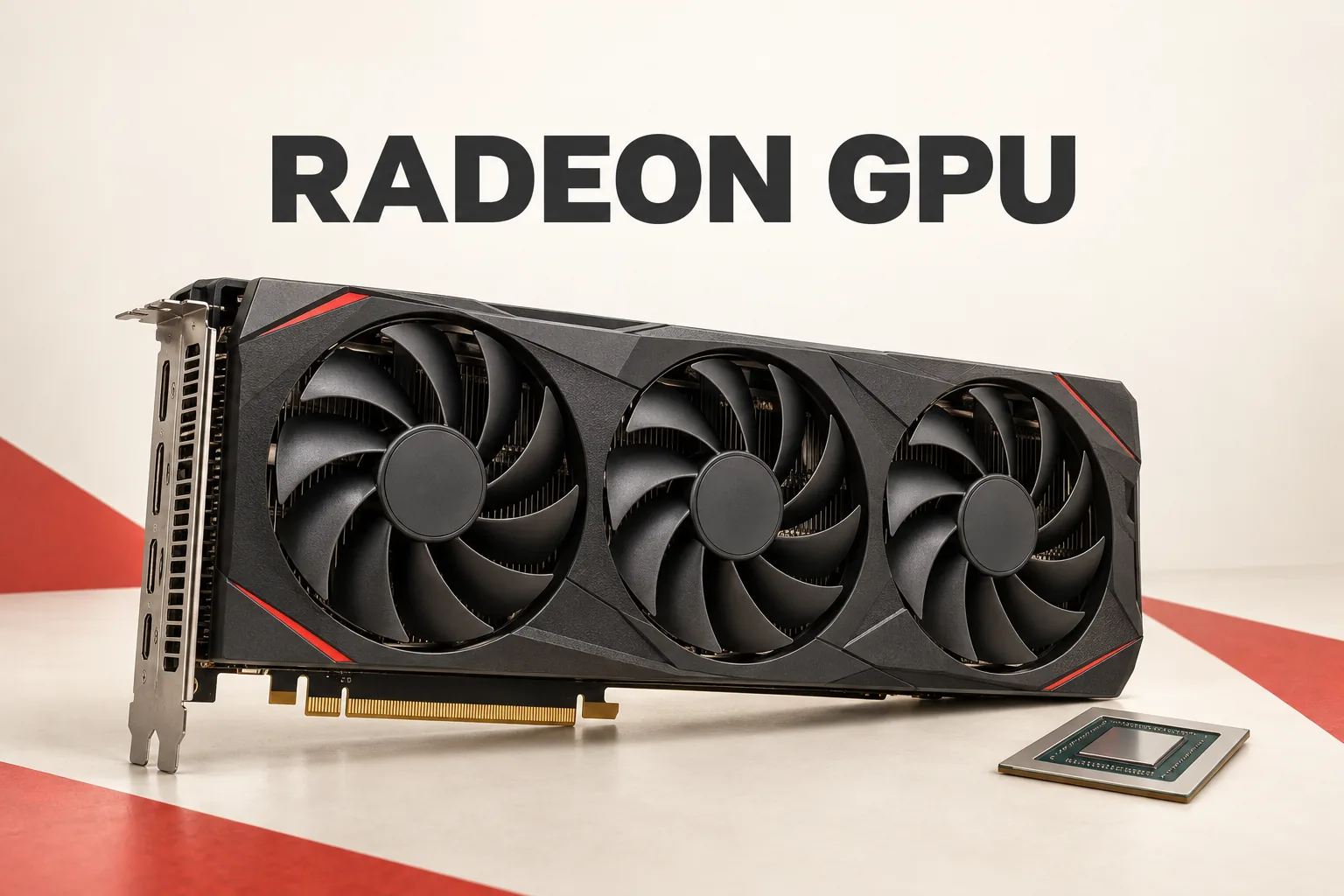
AMD Radeon is not one answer. It is a family of graphics cards and software paths. For a current desktop purchase, the useful question is not whether Radeon is “good,” but whether a specific card’s memory, power requirements, and software support fit the machine.
Why the Radeon model name is not enough
AMD’s Radeon RX graphics overview and graphics specifications database show that the RX 9000 desktop family includes important variations within the same model tier. The Radeon RX 9060 XT is available with either 16 GB or 8 GB of GDDR6 memory, while the Radeon RX 9050 is listed with either 8 GB or 4 GB.
A useful selection of AMD’s listed specifications looks like this:
| Model | Memory | Board power | Recommended PSU |
|---|---|---|---|
| Radeon RX 9070 XT | 16 GB GDDR6 | 304 W | 750 W |
| Radeon RX 9070 | 16 GB GDDR6 | 220 W | 650 W |
| Radeon RX 9060 XT, 16 GB | 16 GB GDDR6 | 160 W | 450 W |
| Radeon RX 9060 XT, 8 GB | 8 GB GDDR6 | 150 W | 450 W |
| Radeon RX 9060 | 8 GB GDDR6 | 132 W | 450 W |
| Radeon RX 9050, 8 GB | 8 GB GDDR6 | 92 W | 450 W |
| Radeon RX 9050, 4 GB | 4 GB GDDR6 | 92 W | 450 W |
These figures are not a performance ranking. They answer two narrower questions: how much graphics memory a model carries and what electrical requirements AMD lists for it. The 16 GB and 8 GB versions of the RX 9060 XT, for example, should not be treated as identical simply because they share a model name. At the same time, the table does not provide game benchmarks, so it cannot establish which card is faster or better value.
The power columns also deserve separate attention. The RX 9070 XT and RX 9070 both have 16 GB of memory, but AMD lists different board-power and recommended-PSU figures. Conversely, the two RX 9060 XT memory variants share a 450 W recommended PSU while having different board-power figures. Checking both columns is more useful than guessing from the product tier alone.
Radeon is also a software decision
AMD describes AMD Software: Adrenalin Edition as more than a driver package. Its listed functions include game management, performance monitoring, GPU tuning, display controls, and recording or streaming features. AMD also qualifies those features: availability depends on the graphics product and system configuration.
That qualification changes how to shop. A Radeon card should not be judged only by its GPU name if the intended setup depends on monitoring, tuning, capture, or display controls. The exact product and system still determine which controls are available.
Driver support is also tied to a specific release and operating system. AMD’s Adrenalin Edition 26.9.1 release notes were last updated on September 3, 2026, and list Windows 11 version 21H2 and later plus Windows 10 64-bit version 21H2 and later. That is a useful reminder that “Radeon support” is not a permanent, universal feature promise; the driver version and OS matter.
A more honest order for choosing a Radeon card
- Set the memory requirement first. Treat the RX 9060 XT 8 GB and 16 GB versions as separate options, and do the same for the RX 9050 variants.
- Check AMD’s board-power and recommended-PSU figures. This is a system-fit check, not a speed score.
- Confirm the operating system and driver path. Compare the exact product and OS against AMD’s current release notes.
- Decide whether Adrenalin features matter to the setup. Then verify that the desired feature is supported on the specific product and system.
- Use performance and price evidence only after those checks. AMD’s official specification pages alone do not answer FPS or value questions.
The practical answer is that “AMD Radeon” is too broad to support one universal recommendation. Start with memory, power, PSU requirements, and software scope. Once those constraints are clear, performance and price data can answer the remaining question without asking the Radeon badge to do more work than it can.